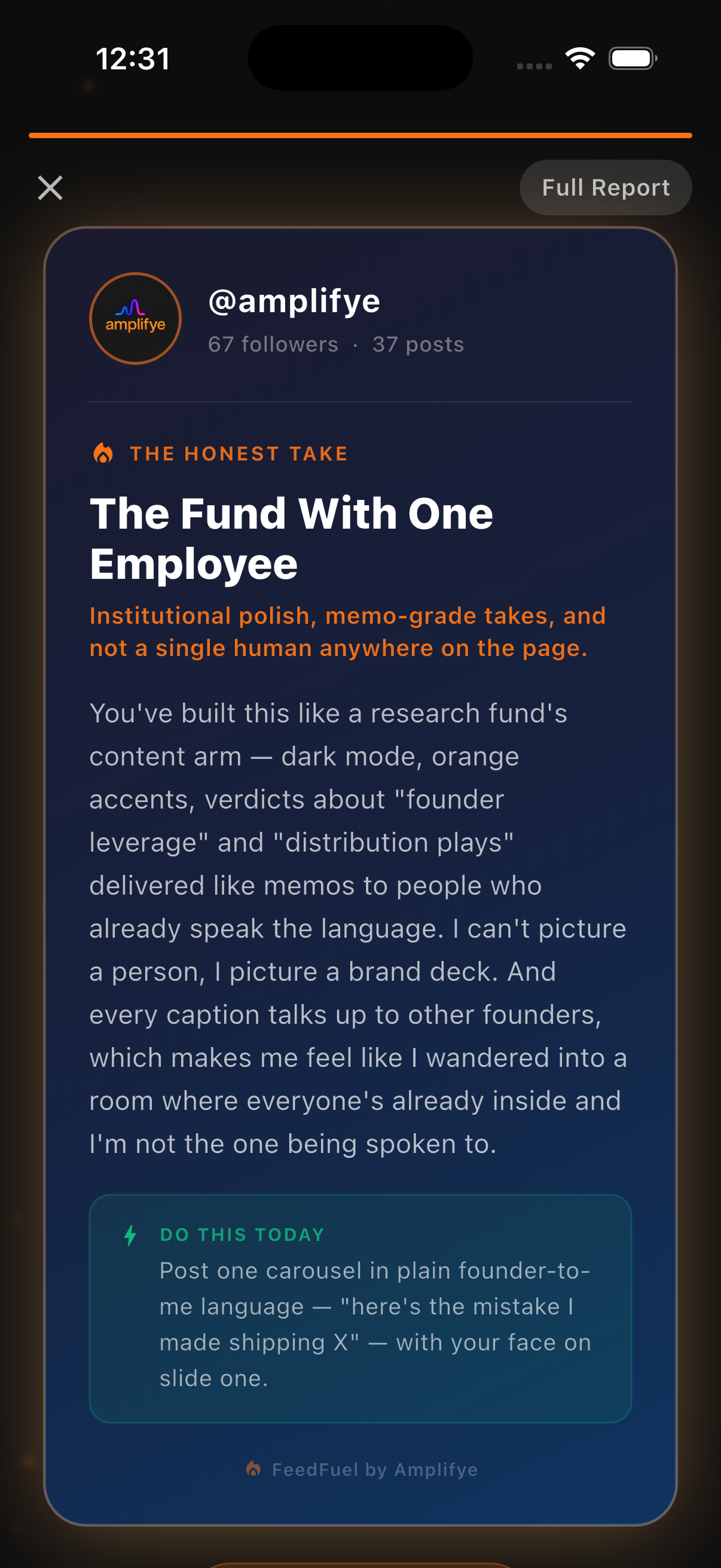
AI first-impression read
“I can't picture a person, I picture a brand deck.”
The next move
Share a founder story, with your face on slide one.
See your page with fresh eyes
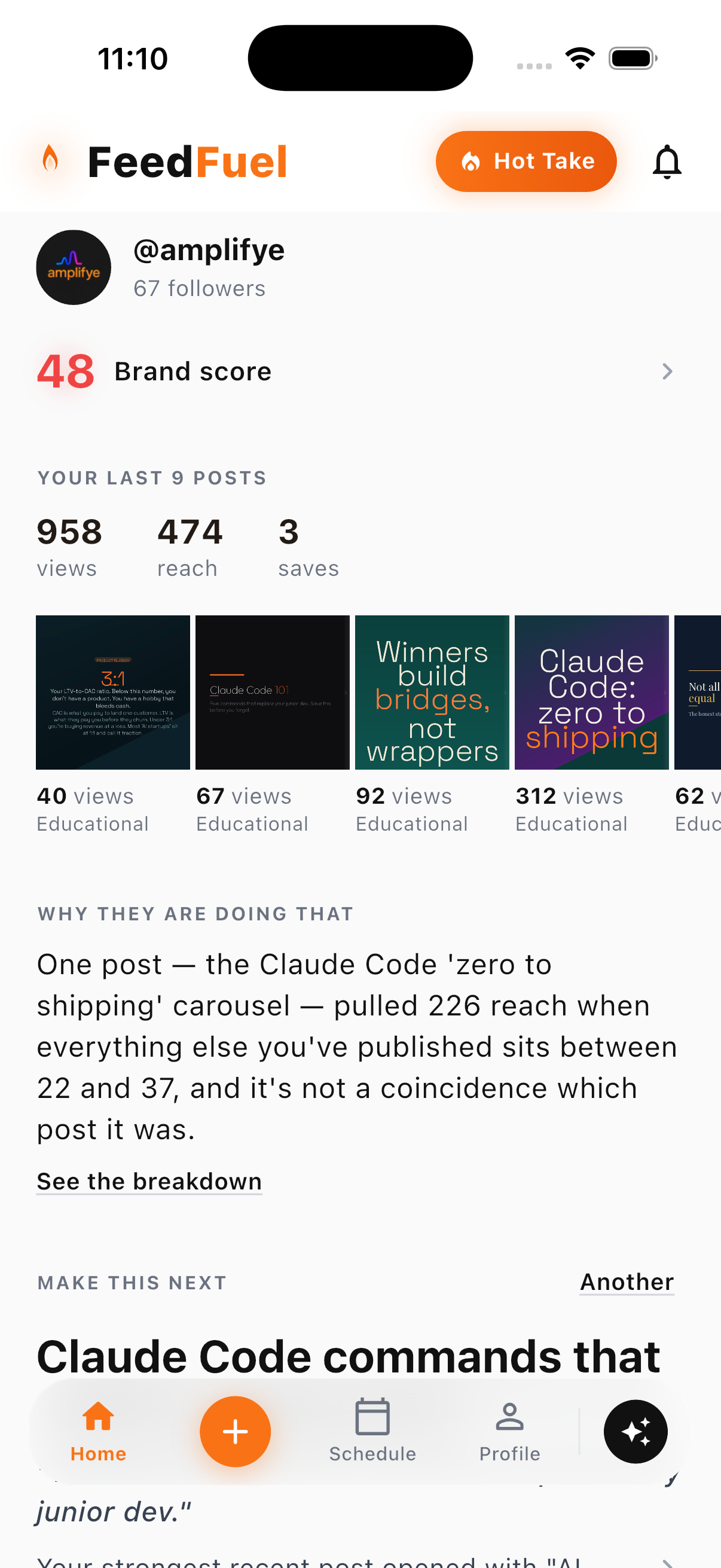
AI first-impression read
“I can't picture a person, I picture a brand deck.”
The next move
Share a founder story, with your face on slide one.
From insight to content
01 / The starting point


The brief: a simple lesson in shape and texture.
Illustrative photos. Sample brand. Actual FeedFuel output.
02 / The carousel
Click to see the detailPhoto example, slide 1 of 4
Sample content made with FeedFuel. Your review and edits are part of the process.
Make room for your next ideaRoom to breathe
Ideas and a weekly plan shaped by your Instagram, goals, and available time.
Your photos, expertise, and point of view. Edit until it feels right.
Review, schedule, and see how it went. Keep the next post moving.
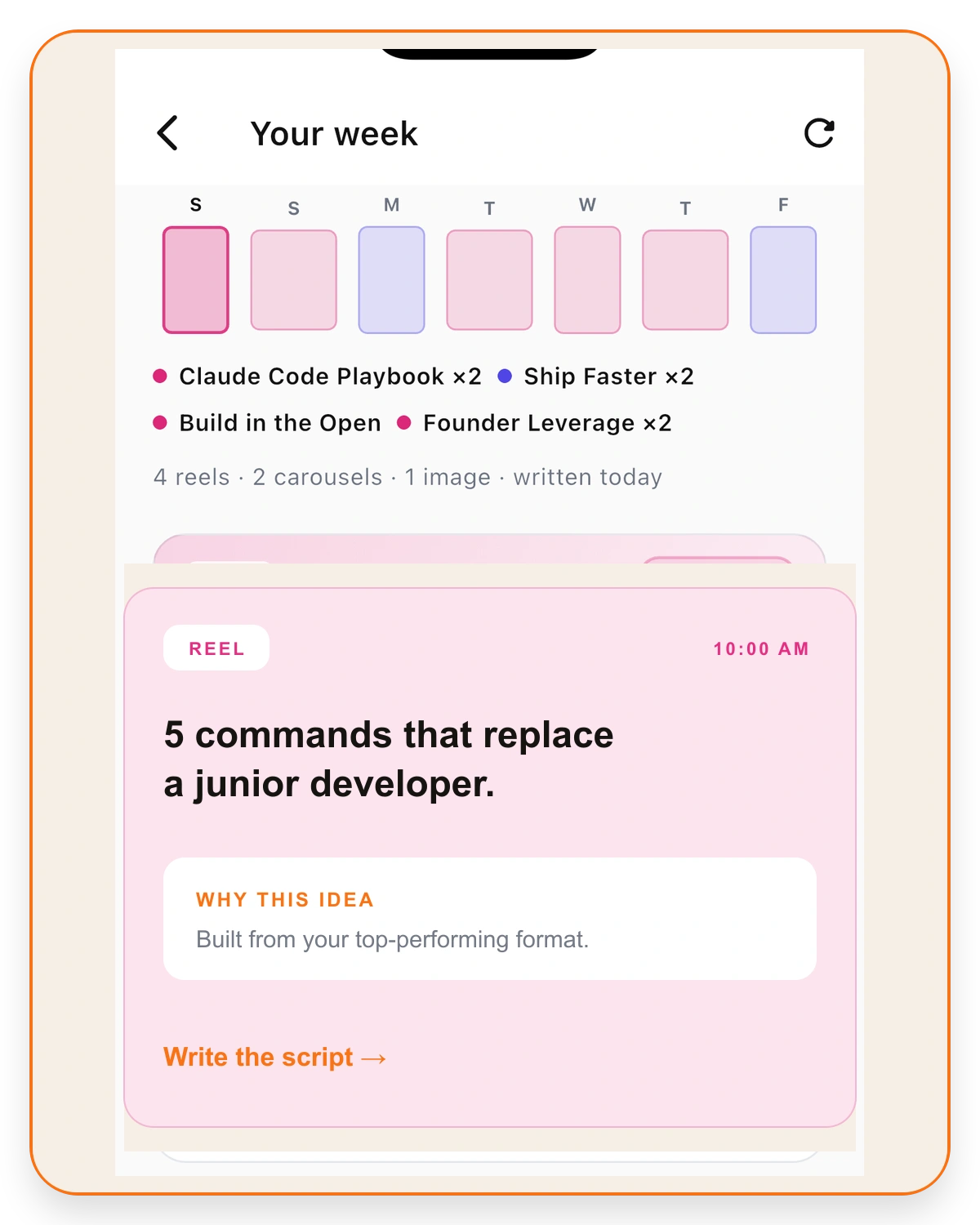
How it works
Connect your Instagram for an AI first-impression read, strengths, and opportunities.
Choose an idea, add your perspective, and review the content.
Schedule supported posts and review the results to help plan the next week.
Your content. Your kind of work.
Your point of view
Turn your perspective into content you can keep making alongside the rest of your life.
Your business
Give your products and expertise a clearer place on Instagram, with a plan that fits around the business.
Your creative judgment
Move from brand direction to drafts and a publishing plan, with room for your judgment and edits along the way.
FeedFuel brings your connected Instagram account, brand context, content creation, planning, and scheduling into one app. Use that process when you want help carrying an idea through to a reviewed post on your calendar.
Yes, after connecting your Instagram Business or Creator account in FeedFuel. The read is an AI assessment of your profile and available account data. The example above shows an existing app capture. Join early access for availability updates.
Your brand details, examples, and personal input help shape the draft. You can review and edit the result before publishing.
Carousels, image posts, infographics, captions, and Reel ideas and scripts. Choose the format that fits the idea and the material you have. For a Reel, FeedFuel can help plan what to say and film.
Yes. Use business expertise, products, links, photos, and screenshots as source material for Instagram content, whether you’re the owner or a content manager.
You’ll need an Instagram Business or Creator account to connect your profile.
You review your content and choose what to publish or schedule. Scheduled posts publish at the time you select.
Joining the launch list costs nothing. FeedFuel’s available plans and prices will be shown before you purchase.
Join the launch list for FeedFuel on iOS.
No card to join. Product updates and launch access only. Privacy policy.